Attendance taken in seconds, absentees spotted early
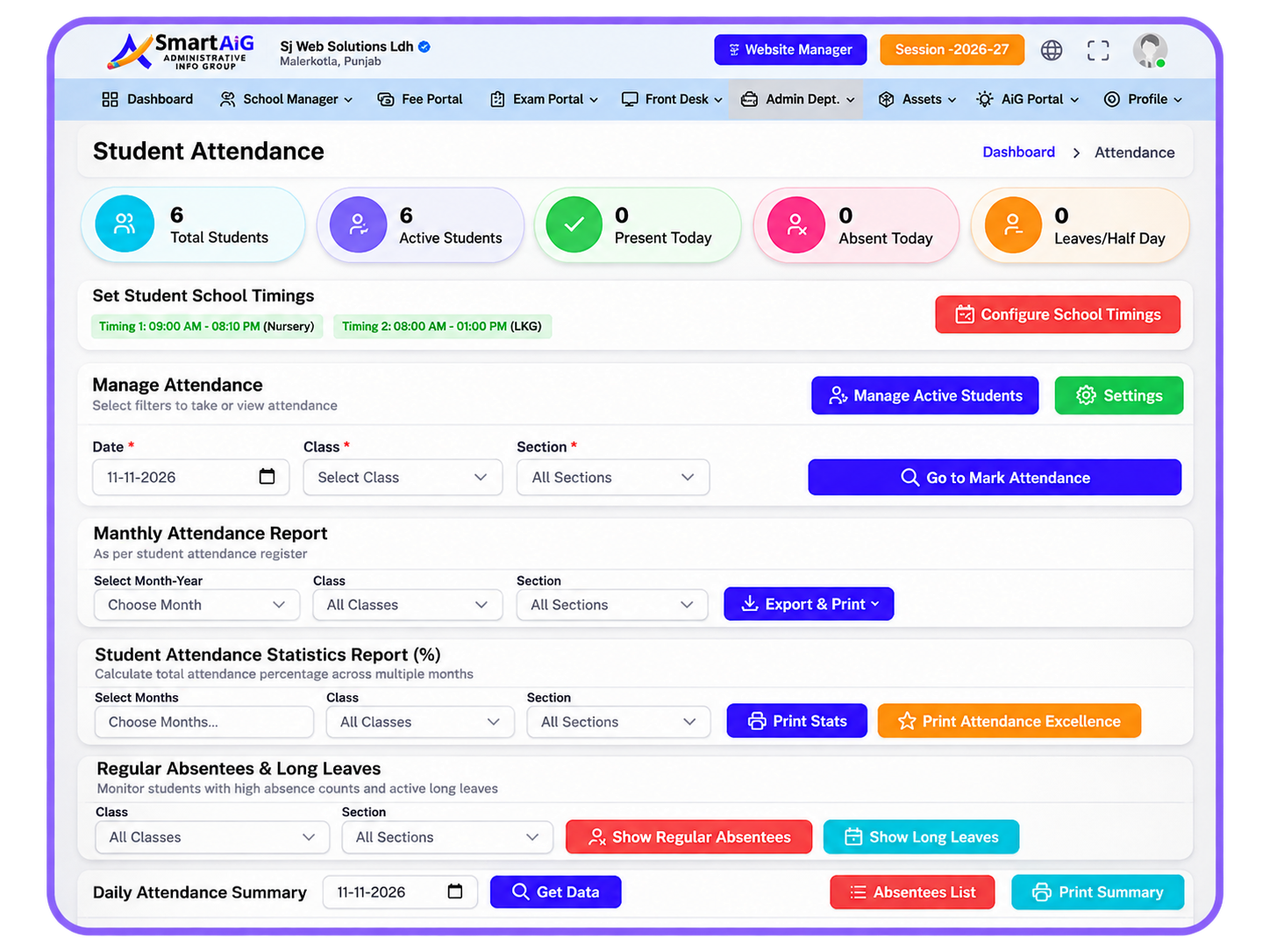
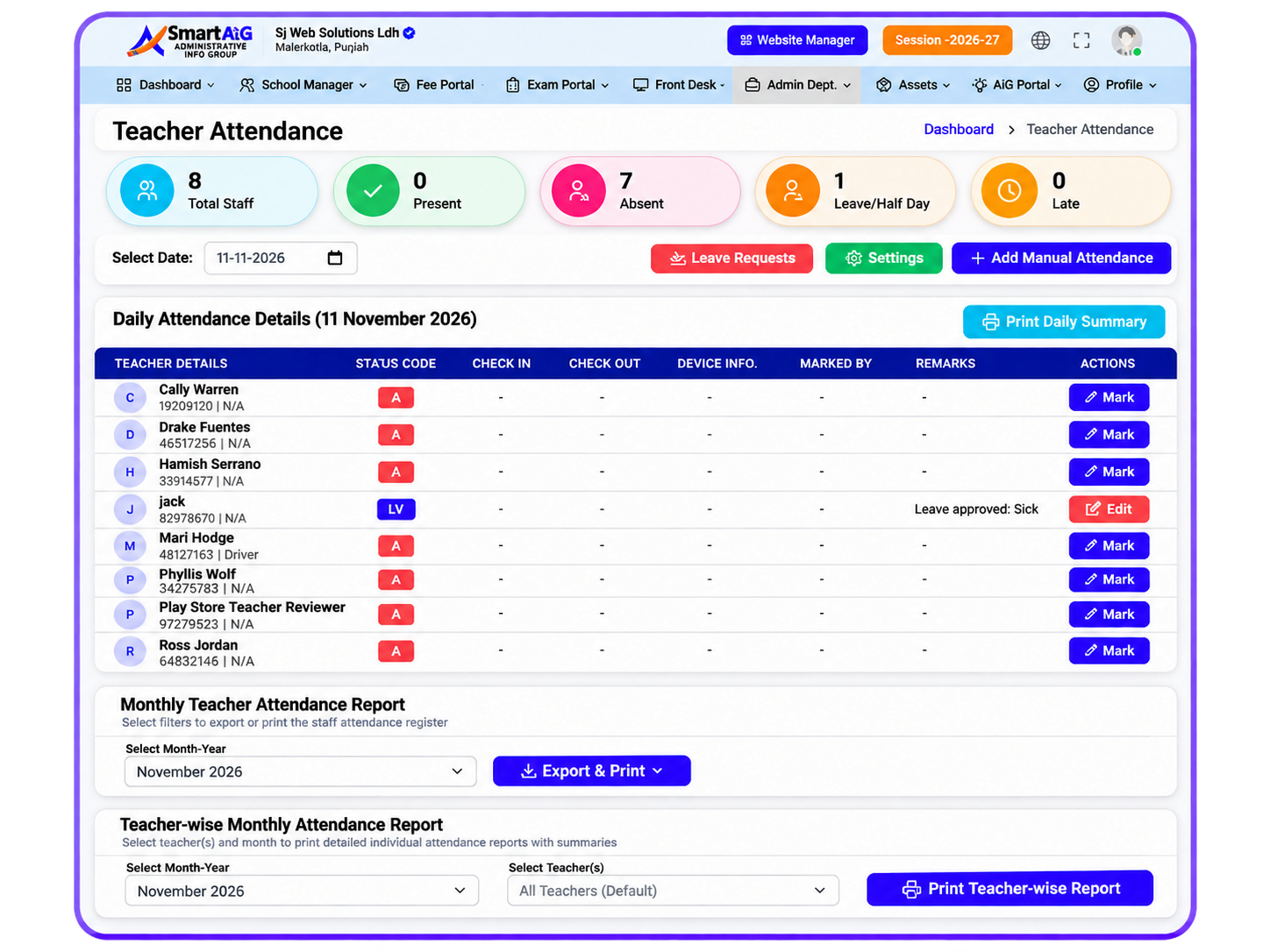
Teachers mark attendance on the Teacher App or by QR scan. Smart AIG then highlights absentees, regular absentees, and long leaves so the school can act before a pattern becomes a problem.
Attendance that does more than fill a register
Smart AIG records attendance class by class with school timings, weekly offs, and holidays already applied, so totals are correct without manual adjustment.
When attendance is marked, parents receive a notification in the Parent App, and leadership can see it on the dashboard and in the Admin App.
- Teacher App, QR, and web marking
- Parent App notifications when attendance is marked
- Absentee, regular-absentee, and long-leave views
- Student leave requests with approval
- Print and export registers
What Attendance Manager does
Quick marking
Use “Mark All Present”, then change only the exceptions, on the web or in the Teacher App.
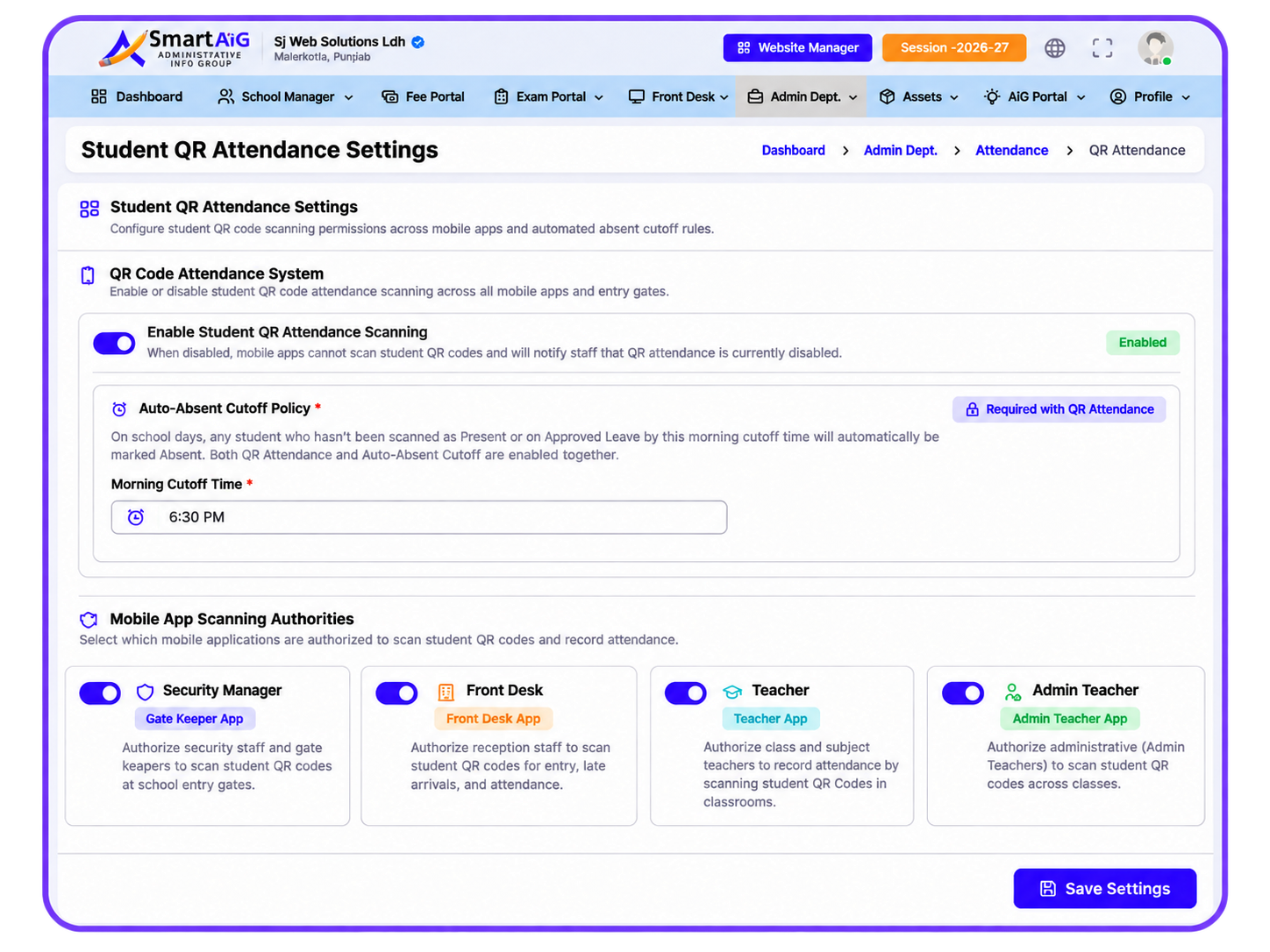
QR attendance
Record attendance by scanning student QR codes. Schools that enable the auto-absent policy can have unscanned students marked absent after the morning cutoff.
Absentee insights
See today’s absentees, students who are regularly absent, and those on long leave, with absentee notes.
Timings, holidays, weekly offs
Configure school timings, holidays, and weekly offs so attendance totals stay accurate.
Leave requests
Parents apply for leave from the Parent App and the school approves or rejects it.
Registers and exports
Print attendance registers and export data, with a record of all changes.
Who it helps, and how
Mark attendance quickly on a phone and stop maintaining a separate paper register.
Spot absentee patterns across classes and follow up early.
Get an app notification about attendance and apply for leave without sending a note.
From setup to everyday use
-
Set up the calendar
Add school timings, weekly offs, and holidays.
-
Mark attendance
Teachers mark from the Teacher App, the web, or by QR.
-
Review exceptions
Check absentees, regular absentees, and long leaves.
-
Report
Print registers or export attendance data.
Where your team uses it
Attendance Manager works across all these apps. Any change made in one place shows up everywhere instantly.





Questions about Attendance Manager
Can teachers mark attendance on their phone?
Are parents notified?
Can parents apply for leave?
Is there a record of attendance changes?
Works well with

Student Manager
Keep complete student records, update data and photos in bulk, promote classes, manage parent app access, and issue transfer and bonafide certificates.
Explore
Teacher Manager
Manage teacher records and logins, assign subjects and class in-charges, track teacher attendance and leave, and arrange substitute proxies.
Explore
Dashboard Analytic
One dashboard for the day: notices, announcements, upcoming birthdays, deadlines, calendar, recent logins, transactions, and items needing attention.
ExploreSee Attendance Manager working for your school
Book a free demo and our team will show you how Attendance Manager works for your school, using your own classes and setup.